
Middle School Course Registration Instructions
 To make the middle school course registration process as simple as possible, we have created this easy to follow step-by-step guide. We recommend having the Flagstaff Course Catalog nearby for easy reference as your student works through the course selection process for next school year.
Parents/guardians are encouraged to sit with their student(s) as they select their courses as they will need to sign off on their selections as the final step.
It is highly recommended that students use a desktop computer or Chromebook. Attempting to access the course selection guide on a mobile device will result in a warning message. If a desktop is not available to you, please contact [email protected] for support.
Students will not select a math class during course registration. Teachers suggest Math class placements for students at the end of the current school year. Math courses are added to student schedules once class placement suggestions are received.
Students who are new to the St. Vrain Valley School District must reach out to Sheila Strukel at [email protected] for assistance with course selection.
Step 1: Log Into Infinite Campus
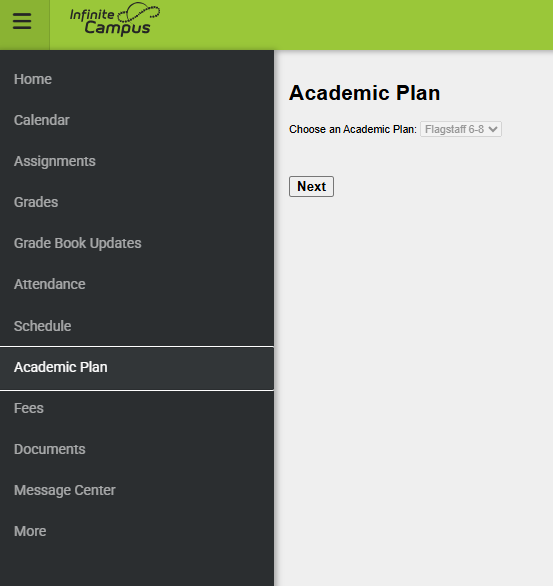
Step 2: Access Course Selection Page
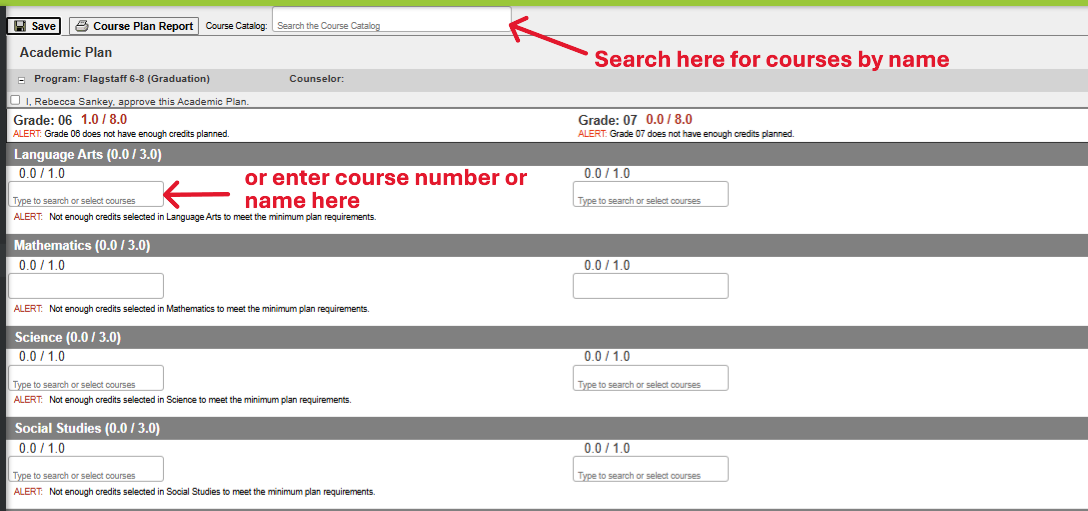
Step 3: Select Core Classes
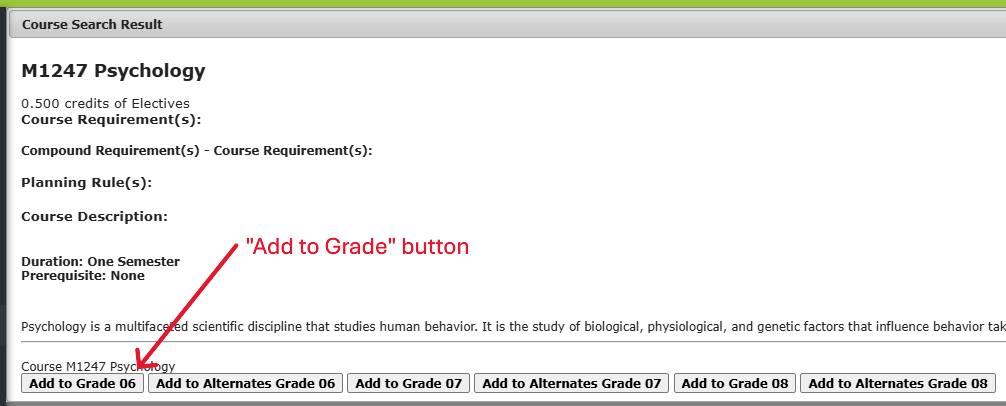
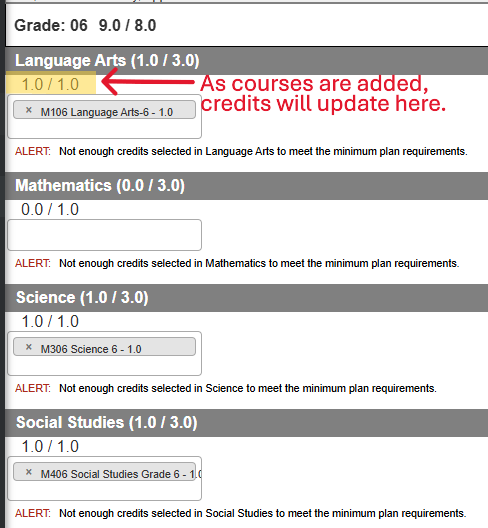
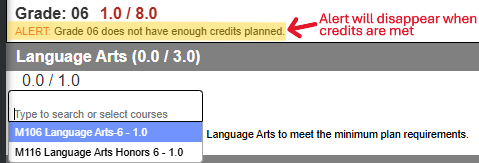
Step 4: Select Essentials / Electives Classes
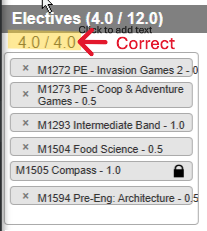
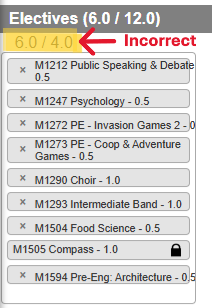
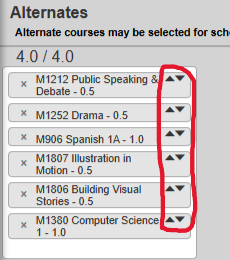
Step 5: Select Alternate Essentials/Elective Courses
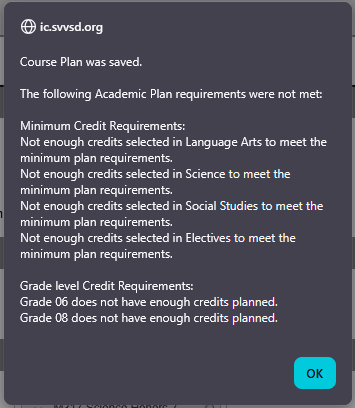
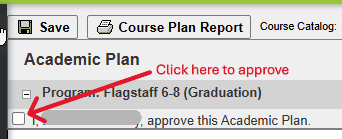
Step 6: Parent Approval of Classes
Frequently Asked Questions
Who to Contact for Help